
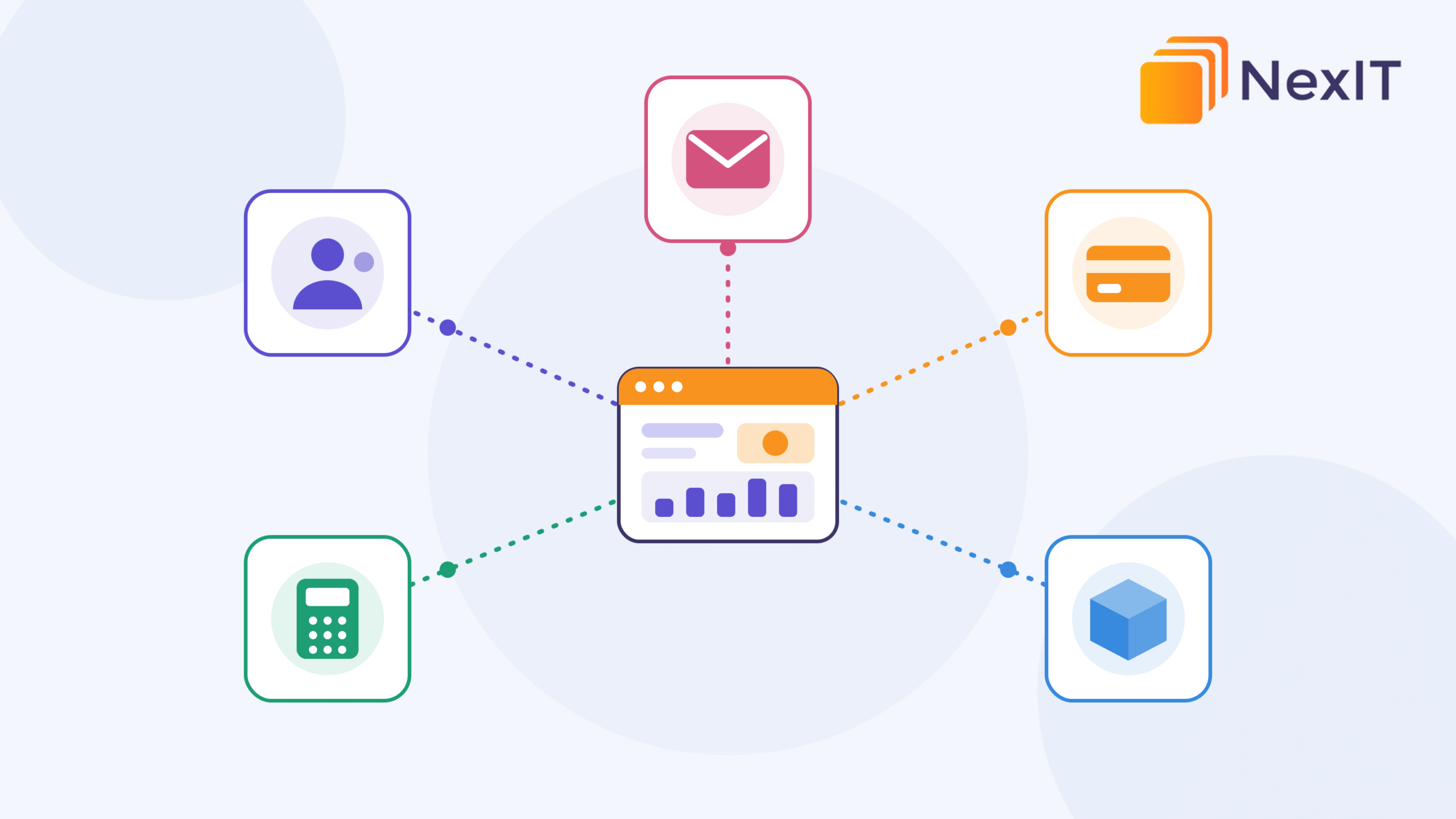
Many businesses already use different software platforms to manage daily operations. These may include accounting systems, customer relationship management (CRM) platforms, payment gateways, inventory software and booking applications. However, when these tools operate separately, employees often need to enter the same information multiple times.
A web application can connect these systems and allow them to exchange information automatically. As a result, businesses can reduce manual work, improve data accuracy and create more efficient workflows. For businesses in Pakhelam, integration should be an important consideration when planning a new web application.
What does business tool integration mean?
Business tool integration connects your web application with existing software so that different systems can share information and perform related tasks.
For example, when a customer completes an order through your web app, the application could automatically send the order details to your inventory and accounting systems.
Common integrations include:
CRM systems: Synchronise customer details, enquiries and sales activities.
Accounting software: Transfer invoices, payments and transaction records.
Payment gateways: Process online payments and update transaction statuses.
Inventory systems: Synchronise product quantities and order information.
Email platforms: Send automated confirmations and notifications.
Booking systems: Share appointments, availability and customer information.
Therefore, integration helps businesses manage connected processes without constantly switching between separate applications.
Which existing business tools can connect to a web app?
Most modern business applications provide APIs or other integration options. However, the available connection methods depend on the software provider and its technical capabilities.
Here are some common integration possibilities.
| Business tool | Integration purpose |
|---|---|
| CRM software | Synchronise customer records and enquiries |
| Accounting platforms | Automate invoices and financial records |
| Payment gateways | Process payments and verify transactions |
| Inventory software | Update stock levels and product information |
| Email services | Send automated customer communications |
| Project management tools | Share tasks, updates and project information |
For example, an online store can connect its payment gateway with accounting software to record completed transactions. Additionally, it can update inventory quantities when customers purchase products.
How does web app integration work?
Developers commonly use APIs (Application Programming Interfaces) to connect different applications.
An API allows software systems to exchange information through defined requests and responses. However, developers must configure the connection according to each platform’s authentication requirements, data formats and available functions.
A typical integration process involves these steps:
Identify the systems: Determine which existing business tools need to communicate with your web application.
Review API availability: Check whether each platform supports the required integration methods.
Map the data: Identify which information needs to move between systems.
Configure authentication: Use appropriate API credentials, permissions and secure authentication methods.
Develop the connection: Build the integration and define how each system exchanges information.
Test the workflow: Verify data accuracy, error handling and system responses.
Monitor performance: Track integration failures and maintain connections as software changes.
Additionally, developers should consider API rate limits, data synchronisation delays and temporary service interruptions.
What are the benefits of connecting existing business tools?
Connecting business software can improve everyday operations and reduce unnecessary administrative work.
1. Reduce manual data entry
When systems share information automatically, employees do not need to enter identical records into multiple platforms.
For example, a completed customer enquiry could automatically create a CRM record. Consequently, your team can spend more time responding to customers instead of managing duplicate information.
2. Improve data accuracy
Manual data entry increases the possibility of missing information, spelling mistakes and inconsistent records.
However, automated synchronisation can reduce these problems by transferring information between connected systems. Developers should also implement validation rules to prevent incorrect or incomplete data from spreading.
3. Improve business productivity
Employees can complete related tasks through connected workflows rather than switching between multiple applications.
For instance, an order management system could connect customer orders, payment confirmations and inventory updates. Therefore, employees can manage several operational activities more efficiently.
4. Support better business decisions
Connected applications can provide a more complete view of business operations.
By bringing together customer, sales and financial information, businesses can prepare more useful reports. However, reporting accuracy depends on consistent data formats and reliable synchronisation.
What should you consider before integrating business software?
Although integration offers several advantages, businesses should evaluate their requirements before development begins.
Consider these important factors:
API compatibility: Confirm that existing platforms support the required connections.
Data security: Protect information through encryption, access controls and secure authentication.
Integration costs: Consider API fees, development expenses and ongoing maintenance.
Data consistency: Define how systems handle duplicate records and conflicting updates.
Scalability: Ensure the integration can support increasing users and transaction volumes.
Error handling: Establish how the application responds when an external service becomes unavailable.
Furthermore, check whether software providers impose usage restrictions or additional charges for API access.
For businesses exploring web app development services Pakhelam, discussing these requirements early can help developers recommend a suitable integration approach.
How can developers keep integrations secure and reliable?
Security should remain a priority whenever applications exchange business or customer information.
Developers should follow appropriate security practices, including:
Use HTTPS to protect information during transmission.
Store API credentials securely on the server.
Apply role-based access controls.
Request only the permissions required by each integration.
Validate incoming data before processing it.
Monitor failed requests and unusual activity.
Use retry mechanisms for temporary connection failures.
Additionally, developers should implement appropriate logging and monitoring without exposing passwords, access tokens or sensitive customer information.
Regular testing and maintenance also help integrations remain reliable when connected platforms update their APIs.
When should your business consider custom web app integration?
A custom integration may be useful when existing software cannot support your business workflows through standard connections.
For example, your business may use different platforms for customer management, inventory and financial reporting. However, these systems may not exchange the information you need automatically.
In such situations, web application development Pakhelam solutions can help businesses plan custom connections around their existing processes.
Before development, identify the tasks you want to automate, the information each system needs and the expected outcomes. This helps avoid unnecessary integrations and keeps the project focused on genuine business requirements.
Conclusion
Connecting existing business tools can simplify operations, reduce repetitive tasks and improve information sharing across your organisation. However, successful integration requires careful planning, compatible systems, secure data exchange and ongoing maintenance.
Rather than replacing software that already works, businesses can explore ways to connect their existing platforms through a well-planned web application.
NexIT Solutions helps businesses explore practical web application development solutions based on their operational requirements. Whether you need to connect existing software, automate workflows or develop a custom application, the right integration strategy can support more efficient business operations and future growth.
Talk to a NexIT Expert
New Enquiries: 1300 899 259 | Support Team: [email protected]
REQUEST A FREE CONSULTATION