
A web app may store customer details, bookings, staff accounts or confidential records. If information is exposed, a business may face disruption and loss of customer confidence.
Security belongs in project planning, not just the final checks. Reservoir businesses can reduce risks by understanding the data they handle, limiting access and arranging maintenance.
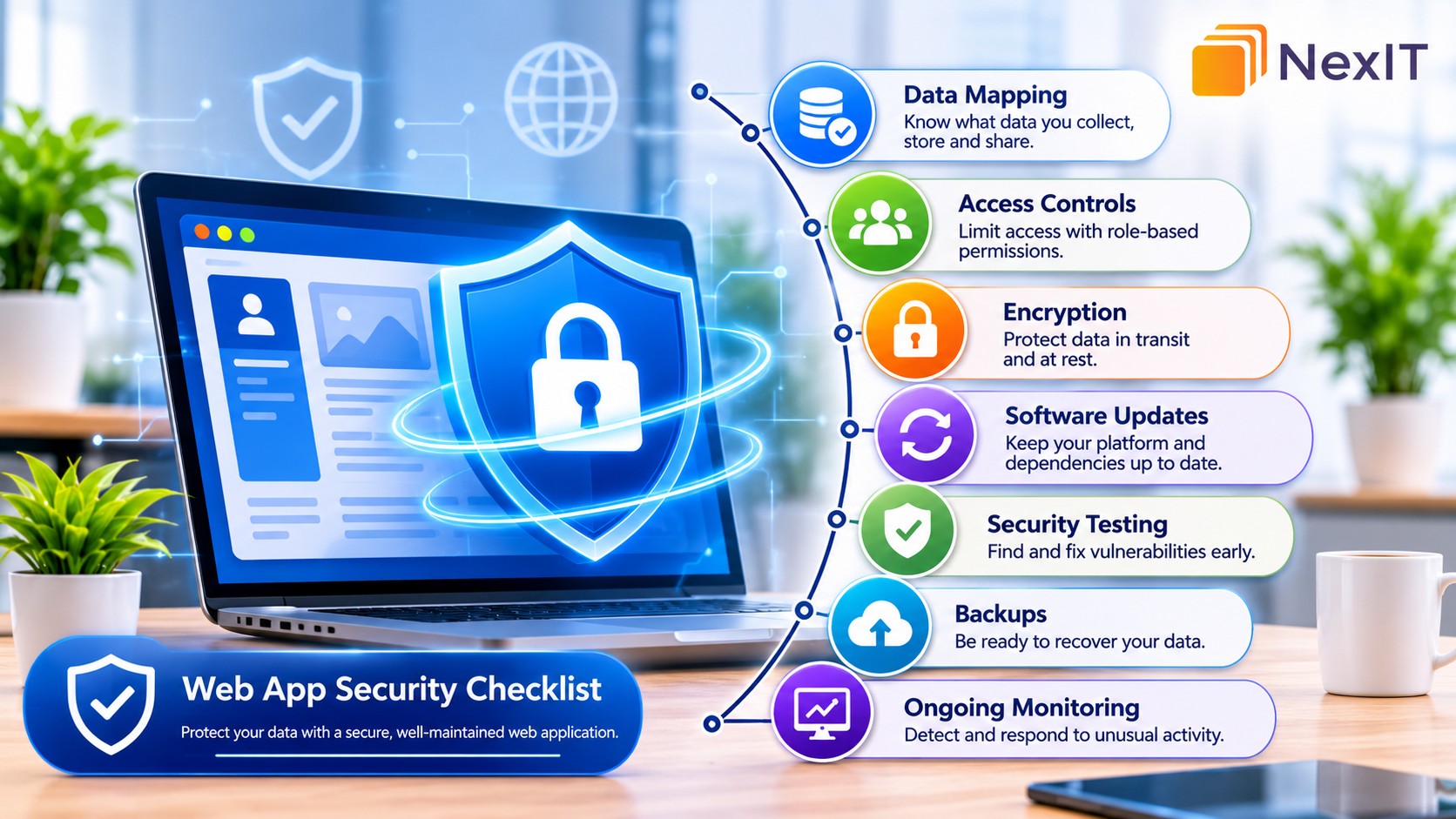
Start by mapping the data your app handles
Identify what the app collects, stores and shares. Create an inventory covering:
- What information is collected and why.
- Where it is stored and how long it is kept.
- Who can access it, including connected services.
- How records can be corrected or securely deleted.
Collect only what the app needs. Fewer unnecessary records mean less information to protect. When planning web app development services Reservoir, ask the developer to document data flows and identify sensitive information before development begins.
Control who can access each part of the app
Authentication confirms who a user is; authorisation determines what they can access. Use role-based permissions so customers, employees and administrators see only what their roles require. Check permissions on the server, not only by hiding buttons in the interface.
Important safeguards include:
- Multi-factor authentication for administrator and high-risk accounts.
- Secure password hashing rather than storing readable passwords.
- Protection against repeated login attempts.
- Session expiry and reliable sign-out controls.
- Prompt removal of access when staff no longer need it.
Avoid shared administrator accounts and review permissions regularly.
Protect information in transit and at rest
Use HTTPS with current TLS settings to protect connections between browsers, the app and its server. Encrypt sensitive stored information where appropriate, and manage encryption keys separately.
Keep passwords, API keys and other secrets out of public code repositories and browser-side code. Payment card details should generally be handled by a suitable payment provider rather than stored by the app.
For web application development Reservoir, ask how the design protects data across browsers, servers, databases and connected services.
| Security area | What to check |
|---|---|
| Login | Secure password storage, MFA where appropriate and login protections |
| Permissions | Server-side checks and role-based access |
| Data storage | Appropriate encryption, backups and restricted access |
| Integrations | Limited permissions and protected credentials |
| Monitoring | Useful logs, alerts and a review process |
Keep software and integrations updated
Frameworks, plugins, server software and connected services can develop known weaknesses. Updates can address them, so maintenance belongs in the operating plan.
Ask who manages and tests updates. Keep a record of important components, remove unused packages and use supported versions. Restrict hosting administration, separate development from production and give integrations only necessary permissions.
Test security before launch
Test throughout development using automated checks and manual reviews of key user journeys and access rules.
A practical checklist includes:
- Check whether users can access another account’s records by changing an identifier.
- Review forms and APIs for unsafe input handling.
- Check that error messages and browser logs do not expose sensitive information.
- Test file uploads, password resets and administrator functions.
- Review dependencies and retest fixes.
For businesses considering web app development services Reservoir, ask for the testing scope, a summary of issues found and confirmation that critical problems were fixed.
Prepare for incidents and data recovery
No system can be guaranteed risk-free. Agree who will investigate a suspected breach, disable affected accounts, record what happened and manage required notifications. Follow applicable privacy and contractual obligations.
Protect backups from ordinary user access and test restoration. Decide how much recent data the business can afford to lose and how quickly the app needs to be restored.
Make security part of ongoing support
After launch, review access, monitor important events and keep software maintained. Logs can help identify unusual activity, but should not unnecessarily record passwords, tokens or sensitive personal information.
When choosing web application development Reservoir, clarify who monitors the app, reports vulnerabilities and handles urgent fixes. Confirm ownership and access for hosting, source code, backups and third-party accounts.
Conclusion
Keeping web app data secure takes more than a strong password. It requires careful data handling, appropriate permissions, protected connections, testing, backups and maintenance. Include these requirements in the project scope and confirm who is responsible for each one.
NexIT Solutions can help Reservoir businesses plan web applications with security considered from the beginning, bringing protection, sability and long-term support into the same discussion.
Talk to a NexIT Expert
New Enquiries: 1300 899 259 | Support Team: [email protected]
REQUEST A FREE CONSULTATION