

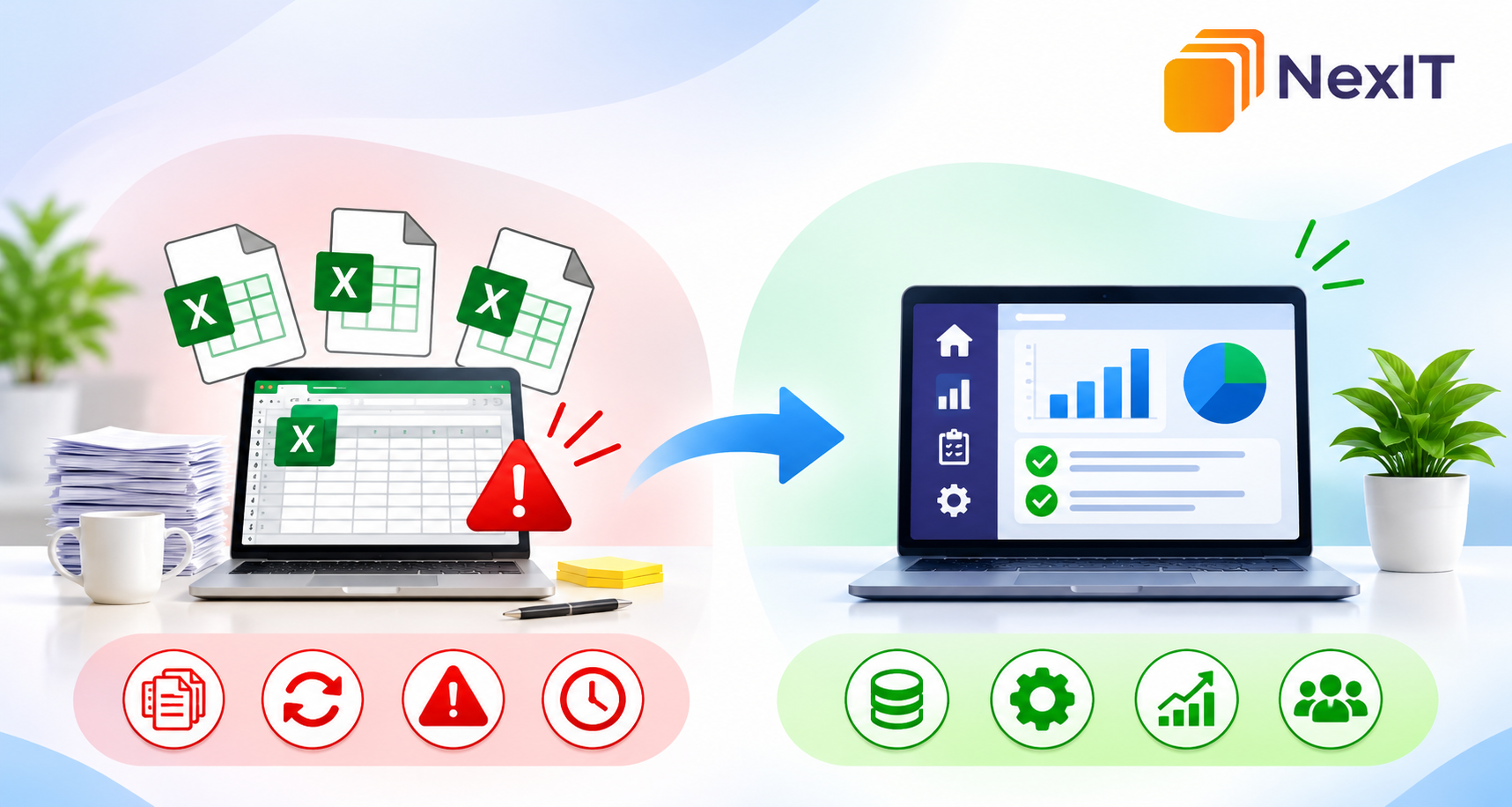
Spreadsheets are useful when a business is starting out. They help teams track customers, manage stock, record jobs and prepare reports. But as work increases, several file versions, broken formulas and repeated data entry can turn a simple tool into a daily frustration.
If routine tasks depend on manual updates and workarounds, it may be time to review how your systems fit together. The aim is not to replace every spreadsheet. It is to find where work slows down and choose a practical improvement.
When spreadsheets stop being useful
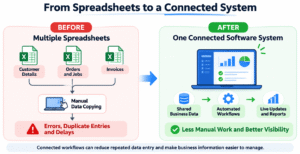
A spreadsheet works best when information is limited, the process is straightforward and only a few people need to update it. It becomes harder to manage when records are shared across teams or several files contain overlapping information.
For example, a service business might track enquiries in one sheet, appointments in another and invoices in a separate system. Staff copy details between them, increasing the chance of missed updates. A search for software development services Mulgrave is more useful after mapping these handovers and identifying which ones cause the most friction.
Signs your spreadsheets are becoming a bottleneck
The warning signs are often part of the daily routine. Look for patterns such as:
Staff entering the same customer or job details more than once.
Different versions of a file circulating by email.
Formulas or manual edits causing errors.
Reports that take hours to prepare.
Delays because team members cannot see the latest status.
Several recurring problems can make it difficult to maintain accurate information, respond quickly or understand what is happening across the business.
What a better workflow should look like
Before choosing new software, decide what the improved process needs to achieve. A useful system should make everyday work clearer, not simply move confusing steps onto a screen.
Ask staff where they lose time and what information they need. Then consider whether the process could benefit from:
Shared records: approved users can access consistent, up-to-date information.
Automated handovers: information moves between steps without repeated copying.
Clear responsibilities: staff know who updates a record and what happens next.
Useful reporting: managers can see activity without combining files manually.
Keep the first improvement focused. Fixing one important workflow is often more practical than trying to automate every task at once.
When custom software makes sense
Not every spreadsheet problem requires a custom system. A ready-made product may be suitable if it supports your workflow, integrates with your tools and provides the reporting you need. Sometimes a process change is enough.
Custom software is worth exploring when your workflow is specific to your business, your tools do not share information properly or standard products force staff into workarounds. A search for software development company Mulgrave should lead to a discussion about the problem, expected outcome and simplest solution—not a long list of features.
Plan the project before building
A clear plan keeps a project realistic. Document the current process, its delays and the outcome you want. Include the people who use the spreadsheets every day.
Agree on essential requirements such as user roles, approval steps, reporting, integrations, data migration and security. Separate must-have functions from ideas that can wait.
Before moving data, check its accuracy, remove duplicates and agree who approves it. Test the new process before relying on it.
Choosing the right development partner
A development partner should understand how your business operates, not just which technology you want to use. When comparing providers, a search for software development services Mulgrave is only a starting point; ask how each team gathers requirements, explains costs, handles changes and tests the finished system.
Useful questions include:
What will be delivered at each project stage?
How will progress, risks and extra costs be communicated?
Who owns the software, data and documentation?
What training, maintenance and support are included?
Look for clear answers. A proposal should explain the scope, responsibilities, timeline and ongoing costs.
Avoid replacing one bottleneck with another
New software will not fix an unclear process by itself. Involve users early, keep training practical and prioritise features that solve the original problem.
Make the next step practical
You do not need to replace every spreadsheet to make progress. Choose one recurring bottleneck, measure the time or errors it creates and explore the simplest way to improve it. NexIT Solutions can help you assess your requirements and plan software that supports the way your business works.
Talk to a NexIT Expert
New Enquiries: 1300 899 259 | Support Team: [email protected]
REQUEST A FREE CONSULTATION