

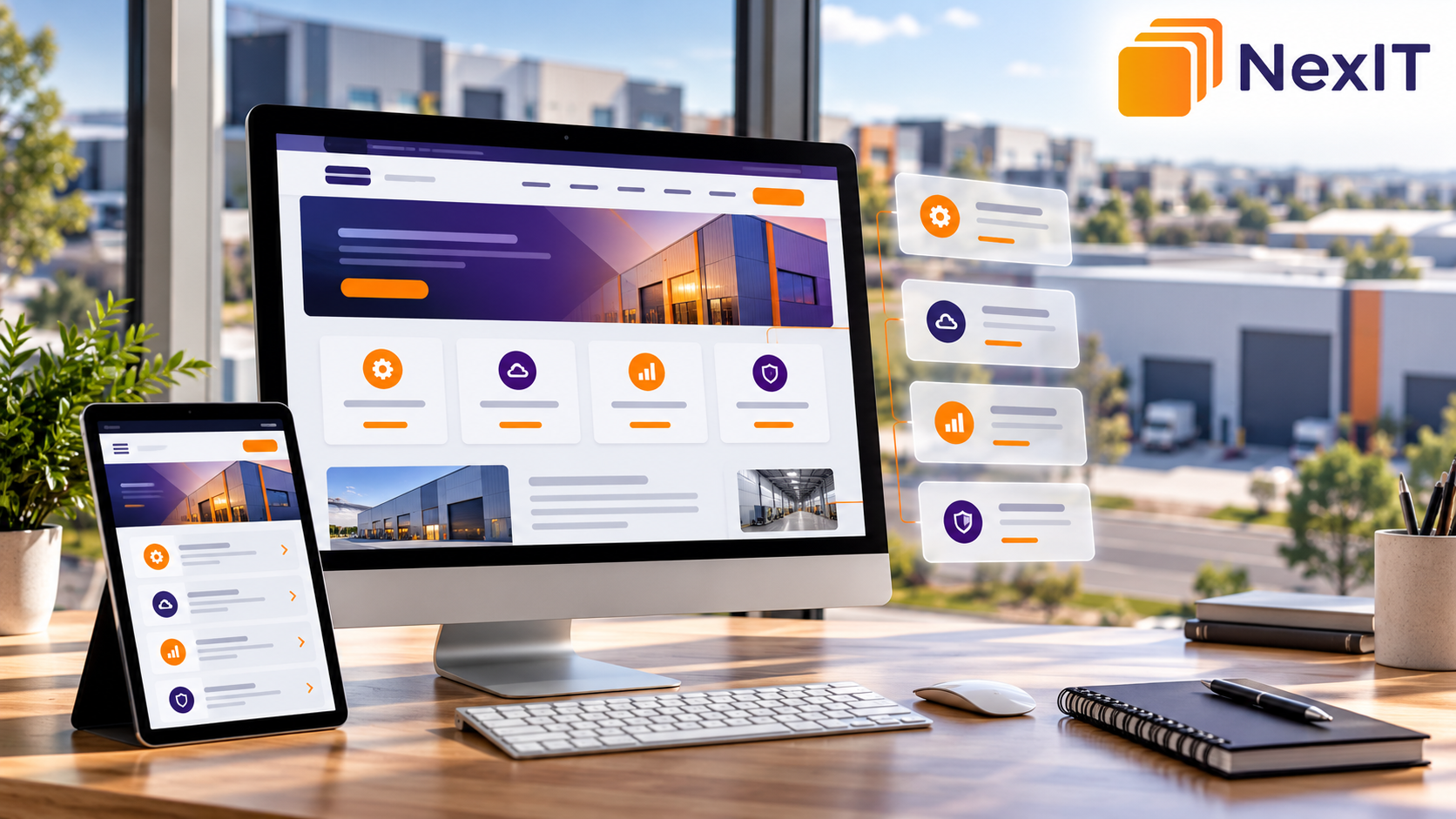
SEO for Laverton North businesses starts with helping customers find and understand the services they need.
A website can look professional and still make that task difficult. Important services may be hidden in a long paragraph, menu labels may be unclear, and several pages may repeat the same information without explaining what makes each service different.
Imagine a customer looking for commercial equipment maintenance. They arrive on a website, open the Services page and find a general description of the company. There is no clear explanation of the equipment supported, the maintenance options available or how to request a quote.
That visitor has to do extra work before they can enquire.
A practical service-page structure makes the journey easier. It connects each important service with useful information, relevant supporting pages and a clear next step.
We Start With the Customer Journey
Before adding pages or changing the navigation, look at your website from a potential customer’s perspective.
Someone visiting your website should be able to answer three questions quickly:
What specific services does this business provide?
Which service matches my problem?
How do I request help or get a quote?
For a Laverton North business serving commercial or industrial customers, those answers may need to include equipment types, project requirements, service coverage and the enquiry process.
Start by listing your actual services. Then compare that list with your existing pages.
Are important services missing? Are different services combined on one crowded page? Do several pages describe essentially the same offering?
This review gives you a clearer foundation for organising the website.
The First Change: Give Each Distinct Service a Clear Purpose
A Services page works well as an overview, but it may not provide enough detail for every customer.
Where a service has a distinct purpose and enough useful information, a dedicated page can help visitors evaluate it.
For example, a hypothetical maintenance business might offer:
- Preventive maintenance.
• Equipment breakdown repairs.
• Machinery installation.
• Equipment inspections.
Each service answers a different customer need.
A preventive maintenance page should explain planned servicing and maintenance arrangements. A breakdown repair page should explain the faults supported, the response process and any service limitations.
However, every small variation does not need a separate page. Closely related offerings can remain together when that makes the information easier to understand.
The aim is to create useful pages with clear differences.
Build a Services Overview That Guides Visitors
Think of your main Services page as a starting point.
It should introduce your main offerings and help customers choose the right page without reading every detail.
For each service, include:
- A clear service name.
• A short explanation of what it covers.
• The customer need it addresses.
• A descriptive link to the detailed page.
“Explore Preventive Maintenance” gives visitors more context than a row of identical “Read More” buttons.
Google recommends descriptive, relevant link text and internal links that help people and search engines understand and find website content.
Make the Website Easier to Navigate
Customers should not need to understand your internal business structure to find a service.
Use menu labels that describe what you actually offer.
“Commercial Cleaning,” “Equipment Repairs” or “IT Support” will usually communicate more than vague labels such as “Capabilities” or “Our Solutions.”
If your business offers several service categories, group them logically.
For example, an IT provider could organise its services under:
- IT Support.
• Cybersecurity.
• Cloud Services.
• Software Development.
Each category can then lead to relevant individual services.
Keep the navigation manageable. A large dropdown containing every service, industry and suburb can be difficult to use, particularly on a phone.
The Service Pages Need to Help Customers Decide
A service page should do more than repeat the service name and ask visitors to contact you.
It should answer the questions someone would naturally ask before making an enquiry:
What does the service include?
Who is it suitable for?
What problems can it address?
Are there any important exclusions?
How does the process work?
Which locations do you genuinely serve?
What information do you need to prepare a quote?
A useful page structure might include:
- A clear service heading.
- A short introduction explaining the service and its audience.
- Details of the work included.
- Relevant applications or customer needs.
- Your process.
- Genuine evidence of experience.
- Frequently asked questions.
- A clear enquiry option.
Use this as a guide rather than forcing every service into an identical template.
Use Laverton North References Where They Help
Local information should explain how your business serves customers in Laverton North.
Depending on your actual operations, useful details might include:
- Whether you provide on-site services in the area.
• How customers arrange a site visit.
• Any relevant access or scheduling requirements.
• Examples of completed local work, with permission.
• The wider area your team covers.
Avoid adding “Laverton North” to every heading or sentence.
Also avoid suggesting that you have an office in the suburb if you only provide services there.
Accurate coverage information helps customers understand whether your business can support them.
Do You Need Separate Pages for Every Suburb?
A separate location page can be useful when it provides meaningful information for customers in that area.
However, copying a service page and replacing the suburb name creates little additional value.
Google identifies substantially similar pages created to rank for similar searches and funnel visitors elsewhere as a form of doorway abuse.
Before creating another suburb page, ask:
Does this page answer a distinct local need?
Can we provide genuine information about serving this area?
Will it help a customer more than our existing service page?
If the answers are unclear, improve the existing page first.
Connect Related Pages With Useful Internal Links
Service pages should connect to other information when it helps the visitor.
For example, a preventive maintenance page could link to:
- A related breakdown repair service.
• A relevant maintenance case study.
• A guide explaining common equipment warning signs.
• The quote request page.
Place links within relevant explanations and use wording that describes the destination.
A supporting blog should also link to the service it discusses when that connection is useful.
Important service pages need accessible links from other pages on your website. Publishing a page without linking to it makes it harder for customers to discover.
Keep Page Titles, Headings and URLs Clear
Each service page should have a title and main heading that accurately describe its content.
For a business genuinely providing the service, an example could be:
Page Title: Commercial Equipment Maintenance in Laverton North | Brand Name
Main Heading: Commercial Equipment Maintenance for Laverton North Businesses
URL: /services/commercial-equipment-maintenance/
The URL does not need every keyword or location included in the heading.
Use a consistent naming approach that makes pages easy to identify.
If an existing URL already works well, do not change it solely to add a suburb. Where a URL change is necessary, plan the appropriate permanent redirect and update links pointing to the old address.
Are Several Pages Explaining the Same Service?
As websites grow, businesses sometimes create overlapping pages.
A company might have separate pages called:
“Commercial Maintenance”
“Business Equipment Servicing”
“Industrial Maintenance Solutions”
If all three describe the same offering, visitors may struggle to understand which one they need.
Review the purpose of each page.
If the services are genuinely different, explain those differences clearly. If the pages cover the same customer need, consider combining their useful information into one stronger page.
Before removing or merging pages, review their search performance, enquiries and existing links. Plan redirects where appropriate so visitors can still reach the relevant content.
Make the Next Step Match the Service
Your call to action should tell customers what they can do next.
For example:
Request an Equipment Maintenance Quote
Discuss Your Website Project
Book an IT Support Consultation
These options connect the enquiry with the service the visitor has just read about.
Keep forms proportionate to the task. Ask for enough information to respond usefully, without requiring details that can wait until the first conversation.
Explain what happens after submission and give realistic response expectations.
Check the Structure on Mobile
Review the customer journey on a phone as well as a desktop computer.
Can visitors open the menu easily? Are service links visible? Can they read the main information without struggling with the layout? Does the enquiry form work?
Check that phone links, buttons and form fields are usable and that important content is not hidden behind decorative elements.
A clear structure should remain clear on a smaller screen.
Measure Whether the Changes Help
After reorganising your service pages, monitor both search performance and customer actions.
Useful measures include:
- Search impressions and clicks for individual service pages.
• Search queries associated with those pages.
• Enquiry form submissions.
• Phone-link clicks.
• Relevant quote requests.
• Broken links and indexing issues.
Compare suitable periods and allow time for search engines to process significant changes.
Better organisation can support discovery and customer understanding, but rankings and enquiries also depend on factors such as competition, content quality and demand.
Ready to Organise Your Service Pages More Clearly?
If customers struggle to find the right service, start by reviewing how your website presents your actual offerings.
A stronger structure connects a clear services overview with useful individual pages, relevant local information and straightforward enquiry options.
For Laverton North businesses, this creates a more practical foundation for SEO and helps potential customers understand whether you can meet their needs.
NexIT Solutions can help you review your website’s service-page structure and plan improvements around your business goals.
Book a Website Consultation →
Call 1300 899 259 to discuss what you would like your website to do better.