
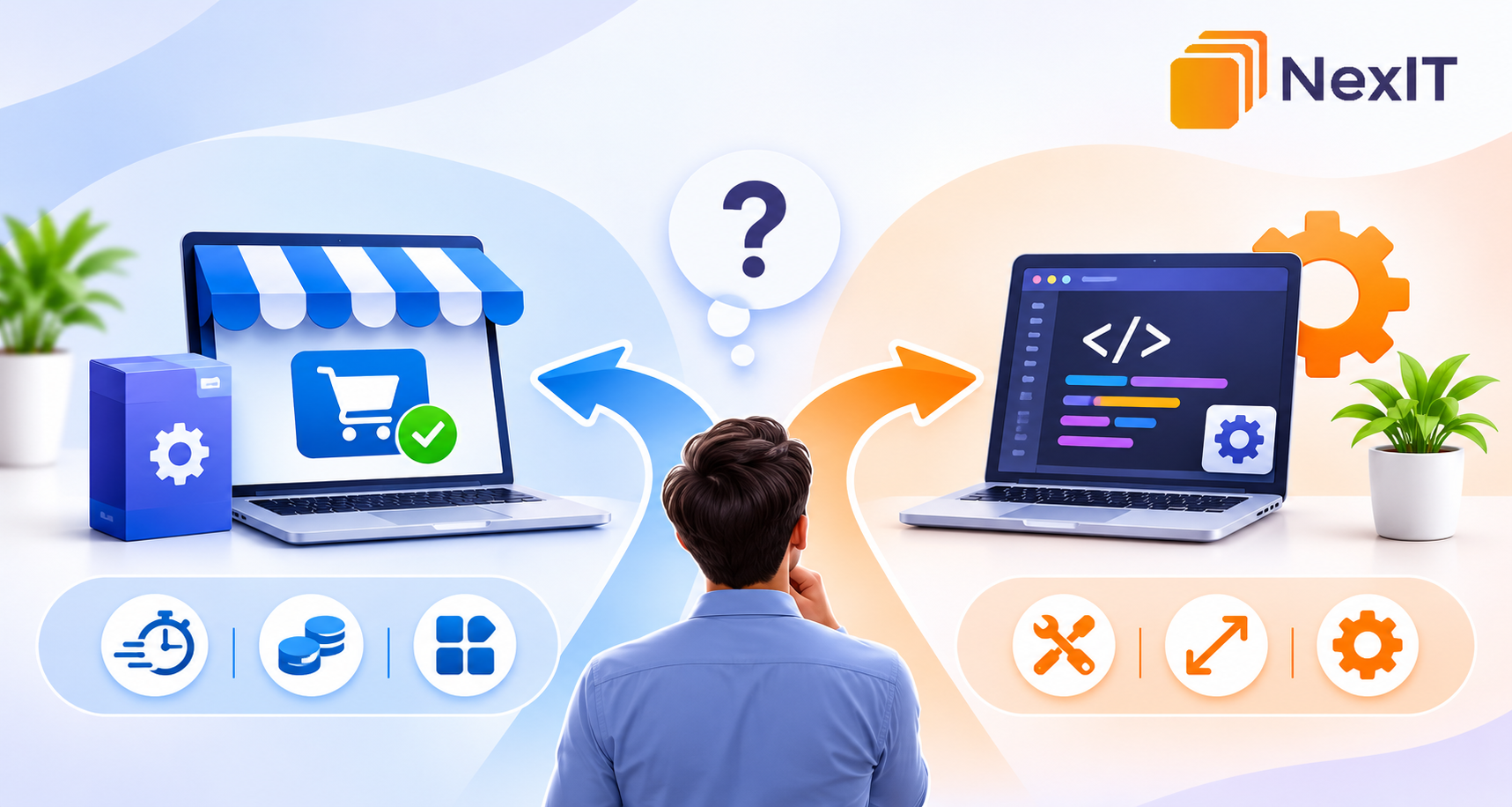
When a business needs a new digital tool, one big decision comes up: should you buy an existing product or have software built around your needs? Both options can solve problems, but the wrong choice can waste money and frustrate staff.
Your choice depends on business needs, process complexity and future flexibility. Compare benefits, limitations and long-term costs before committing.
Start with the problem, not the technology
Write down the task you want to improve. Is your team repeating data entry, struggling to track jobs, managing bookings manually or switching between disconnected platforms? Identify who experiences the problem and how often.
Separate essential requirements from features that would simply be convenient. Businesses exploring software development services Reservior should define the outcome they want rather than assume a custom build is automatically the answer.
When buying existing software makes sense
Ready-made software is sensible when a product already handles common tasks such as accounting, bookings, email marketing or customer management.
Buying can offer several advantages:
Faster setup: Start without waiting for a development project.
Known features: Assess available functions before committing.
Regular updates: The provider may handle improvements and security updates.
Predictable pricing: Subscription plans make costs easier to understand.
Check for extra user fees, limited integrations and workflow restrictions. Review cancellation terms and how to export your information if you move later.
When building your own software makes sense
Custom software may be worth considering when standard products cannot support your processes. Perhaps several systems need to share information, your approval process is unusual or customers need a portal with specific functions.
A tailored solution can match agreed requirements and remove unnecessary steps. If you are comparing software development company Reservior options, look for a team that understands your workflow before recommending a build.
Custom development also requires planning, testing, user training and ongoing maintenance. It makes sense when those responsibilities and costs are justified by the benefits.
Compare the total cost, not just the starting price
A subscription may look inexpensive, while a custom project may need a larger upfront budget. The initial price does not show the full cost of ownership.
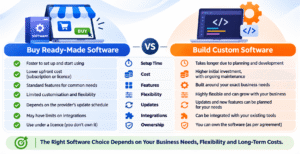
| Cost to consider | Buying software | Building software |
|---|---|---|
| Initial cost | Subscription or setup fee | Planning and development |
| Ongoing cost | Licence and user fees | Hosting, support and maintenance |
| Changes | Limited to provider options | Can be scoped to your needs |
| Integrations | Depends on available connections | May be built into the project |
| Ownership | Usually access under a licence | Depends on the contract |
Estimate costs over several years. Include staff time, training, data migration, integrations and support. Consider the cost of keeping an inefficient process if neither option solves the problem.
Check the risks before deciding
Buying software means relying on a provider’s pricing, roadmap and data-export options. A custom build means relying on the development team and its handover.
For either option, ask how information is protected, who can access it and how backups are handled. Check whether the system works with your current tools and what happens if you change providers.
Involve the people who will use the system. Their feedback can reveal requirements managers may overlook.
Choosing a development partner
If a custom build appears suitable, compare providers on more than price. Searching software development services Reservior can help identify local options, but focus on process and accountability.
Ask how requirements are documented, how changes are priced, what testing is included and who owns the source code. Request a scope covering milestones, responsibilities, exclusions and support. A good partner explains trade-offs plainly and may recommend a simpler option if it fits better.
Questions to ask before you commit
Before choosing either route, ask:
Which business problem must the software solve?
Can an existing product meet the essential requirements?
What will the solution cost over its useful life?
Can it connect with our current tools?
Who will support and maintain it?
How easily can we access or move our data?
If answers are unclear, gather more information before committing.
Make the choice that fits your business
You do not need the most complex system; you need one that solves the right problem and remains practical to operate. Compare existing products against your essential requirements, then consider custom development only where a genuine gap remains. NexIT Solutions can help you assess your workflow and decide which approach suits your business.
Talk to a NexIT Expert
New Enquiries: 1300 899 259 | Support Team: [email protected]
REQUEST A FREE CONSULTATION