

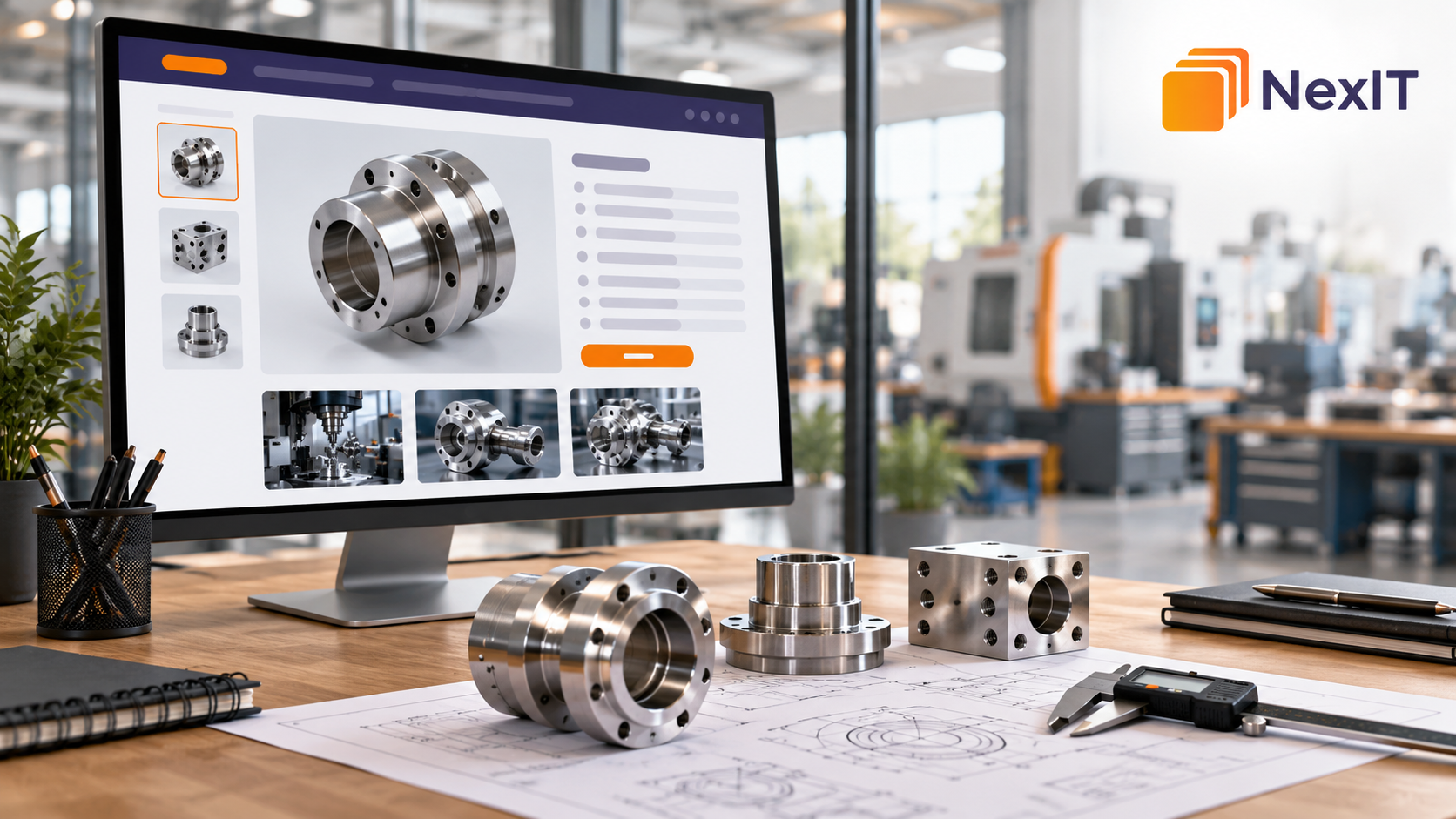
SEO services in Somerton can help businesses make technical product information easier to find, understand and use.
A product page might list dimensions, materials, operating limits and model numbers accurately, yet leave buyers unsure whether the product suits their needs.
Imagine a business buyer comparing industrial components. One website provides a specification table and a downloadable catalogue. Another explains the specifications, identifies compatibility requirements and shows what information is needed to request a quote.
The second website gives the buyer more support when making a decision.
Useful technical content connects accurate specifications with customer questions. It helps visitors understand what a product does, which details matter and what they should check before ordering.
We Start With the Buyer’s Questions
Before rewriting a product page, consider who uses it.
An engineer may need precise dimensions and operating limits. A purchasing manager may want availability, documentation and delivery information. A business owner may need a straightforward explanation of the product’s purpose.
Ask three questions:
- What is the visitor trying to select or solve?
- Which specifications affect that decision?
- What information would help them take the next step?
For a Somerton business selling technical products, those answers can guide the page structure.
Start with questions received through sales calls, emails and quote requests. Repeated questions often reveal information missing from the website.
What Makes Technical Product Content Useful?
Useful product content combines accurate data with explanations that help buyers interpret it.
A specification tells someone a product’s characteristics. Supporting content explains how those characteristics affect selection or use.
For example:
Specification: “Dimensions: 600 × 400 × 300 mm.”
Useful explanation: “Check these dimensions against your available installation space, allowing for any additional access and clearance requirements specified in the installation instructions.”
The explanation adds practical context without changing the specification.
Google’s guidance encourages content that provides substantial information and helps its intended audience, rather than simply repeating material from other sources.
The First Change: Explain What the Product Does
Start the page with a short description of the product and its intended purpose.
A model number alone may mean little to a visitor unfamiliar with your catalogue.
A useful introduction should explain:
- What the product is.
- Its intended application.
- Its main distinguishing characteristics.
- Important selection conditions.
- Where buyers can find detailed specifications.
For example, a hypothetical supplier might write:
“This stainless steel enclosure is designed to house compatible electrical components. Review the dimensions, mounting arrangement and manufacturer-stated protection rating before selecting it for your installation.”
This gives the reader a starting point while preserving the need for technical assessment.
Avoid unsupported claims such as “suitable for every environment” or “compatible with all systems.”
Connect Specifications With Practical Buyer Checks
Review each important specification and identify the question it helps answer.
| Specification | Buyer’s Question | Useful Supporting Content |
| Dimensions | Will it fit? | Installation dimensions and required clearances |
| Material | Is it suitable for the application? | Material grade and relevant compatibility considerations |
| Operating range | Can it handle our conditions? | Stated limits and conditions affecting performance |
| Connection type | Will it connect to our equipment? | Connection standard, size and compatibility checks |
| Capacity | Will it meet our workload? | Rated capacity and the conditions under which it applies |
| Model number | Is this the correct version? | Differences between models and variants |
These are planning examples. Product explanations should be checked against the actual manufacturer documentation.
The aim is to help buyers understand which details require attention before purchase.
Keep Exact Technical Information Available
Plain-language explanations should sit alongside precise specifications.
Technical buyers still need model numbers, units, tolerances, materials and operating conditions.
For example, “handles high temperatures” provides less useful information than an accurately stated temperature limit with its applicable conditions.
When preparing specifications:
- Use consistent measurement units.
- Identify the correct model and variant.
- Explain unfamiliar abbreviations.
- Preserve relevant qualifications and limitations.
- Distinguish standard features from optional extras.
- Check that the information matches current documentation.
If a value depends on configuration or operating conditions, make that dependency clear.
Explain Technical Terms Where They Appear
A short explanation can help readers understand an unfamiliar term without interrupting the page.
For example:
“Lead time is the expected period between order confirmation and the product being ready for dispatch.”
For specialised specifications, use explanations reviewed by someone with relevant technical knowledge.
Do not turn a rating, certification or material description into a broader claim than the supporting evidence allows.
Organise Product Pages Around the Selection Process
A clear page structure helps visitors move from understanding the product to checking its suitability.
A practical structure might include:
- Product name and model.
- Short description.
- Intended applications.
- Important selection considerations.
- Technical specification table.
- Available variants.
- Drawings and supporting documents.
- Availability or lead-time information.
- Relevant questions and answers.
- Enquiry or quotation option.
The order can change depending on the product.
For a replacement component, model compatibility may belong near the top. For equipment requiring installation planning, dimensions and connection requirements may deserve greater prominence.
Use Customer Search Language Naturally
Customers may search using product names, model numbers, problems or applications.
A supplier’s internal terminology may differ from the language buyers use.
Review:
- Search Console queries.
- Customer emails.
- Quote requests.
- Sales-team notes.
- Website search terms, where available.
- Common terminology used in your industry.
A page can include a familiar product term alongside a precise technical name when both accurately describe the item.
Avoid inserting every related keyword into each paragraph. The wording should remain clear and relevant to the product.
Give Each Product Page a Clear Purpose
Category pages, product pages and supporting guides answer different questions.
A category page helps visitors understand a product group. A product page explains a particular model or offering. A guide helps answer a broader selection question.
For example:
- Category page: Industrial Enclosures.
- Product page: A specific enclosure model.
- Supporting guide: How to Check Enclosure Dimensions Before Ordering.
Keeping these purposes clear helps avoid several pages repeating the same general explanation.
Where products differ only slightly, consider whether a well-organised variant section would serve buyers better than multiple thin pages.
Compare Variants Using Consistent Information
A comparison becomes useful when each model is described using the same fields.
Depending on the product, these might include:
- Dimensions.
- Material.
- Connection type.
- Rated capacity.
- Power requirements.
- Included accessories.
- Installation requirements.
Explain meaningful differences without declaring one model universally better.
The appropriate choice depends on the buyer’s application.
Add Images That Answer Technical Questions
Product photographs should help buyers recognise and assess the item.
Useful images may show:
- The complete product.
- Connection points.
- Mounting arrangements.
- Controls.
- Included accessories.
- Relevant model labels.
- Different available configurations.
Dimension drawings can provide information that a photograph cannot.
Clearly distinguish an illustrative image from the exact product supplied. Avoid showing accessories that appear included when they are sold separately.
Write image ALT text that describes the visible content accurately.
Keep Essential Information on the Website Page
Datasheets and catalogues are useful, but visitors should not need to download a document to understand the product’s basic purpose and important selection details.
Include essential information directly on the page, with links to documents that provide greater depth.
Label downloads clearly, such as:
- Download the technical datasheet.
- View the dimension drawing.
- Read the installation instructions.
Check document versions and ensure they correspond to the model shown.
When a specification changes, review both the page and its supporting files.
Use Local References Where They Help Buyers
For Somerton businesses, location information can explain genuine service coverage, collection arrangements or delivery options.
Useful details might include:
- Whether collection is available.
- Which areas the business serves.
- How local customers can arrange technical discussions.
- Whether installation or support is offered.
Only include information that reflects your actual operations.
Avoid implying that your business has a Somerton office if it serves the area from another location.
There is also no need to place “Somerton” into every product description. Local wording should support the customer’s understanding.
Answer Questions That Specifications Cannot Resolve
A specification table may leave practical purchasing questions unanswered.
Useful questions could include:
- Which details should I provide when requesting a quote?
- Are accessories included?
- Can you help identify the correct model?
- What documentation is available?
- Is the product stocked or ordered from the manufacturer?
- How can I confirm compatibility?
Answers should reflect the product and your actual service process.
If suitability requires further assessment, explain what information the buyer should submit.
Connect Products With Relevant Guides and Services
Internal links can help visitors continue their research.
A product page might link to:
- A relevant selection guide.
- Compatible accessories.
- Installation information.
- Related maintenance services.
- A product category.
- A quotation form.
Place each link beside the explanation that makes it relevant.
For example:
“Review the dimension drawing before ordering, or send your installation requirements with your product enquiry.”
Make sure linked pages provide the information promised by the link text.
Make the Enquiry Option Match the Product
A technical product page should give buyers a clear next step.
Useful enquiry options include:
- Request a Product Quote.
- Check Model Compatibility.
- Ask About Availability.
- Send Your Technical Requirements.
The enquiry form should capture information needed to respond accurately.
This may include:
- Product name or model.
- Required quantity.
- Intended application.
- Relevant dimensions or operating conditions.
- Delivery location.
- Required timeframe.
- Supporting drawings or photographs, where appropriate.
If visitors open the form from a product page, retaining the product reference can reduce confusion.
Have Technical Content Reviewed Before Publishing
A readable page still needs accurate information.
Ask an appropriate product specialist to review:
- Specification values.
- Units and tolerances.
- Compatibility statements.
- Application examples.
- Installation information.
- Certification claims.
- Product limitations.
Keep a record of the documentation used and assign responsibility for future updates.
Manufacturer changes, discontinued models and revised accessories can make previously accurate content outdated.
Check the Experience on Mobile
Review technical product pages on a phone.
Can buyers read specification tables? Are diagrams clear? Do download links work? Can visitors submit an enquiry easily?
Wide tables may need a suitable mobile layout. Small text and unclear model-selection controls can make comparison difficult.
Check that selecting a variant updates the relevant specifications and product reference correctly.
Measure Whether the Content Helps Buyers
After improving product pages, review search performance and customer actions.
Useful measures include:
- Relevant search impressions and clicks.
- Visits to product pages.
- Datasheet downloads, where tracked.
- Product enquiry submissions.
- Quote requests containing sufficient information.
- Repeated questions received by the sales team.
- Enquiries about unsuitable products.
Confirm what your analytics setup records before drawing conclusions.
Compare suitable periods and consider seasonality, stock availability and other website changes. Clearer product content can support discovery and decision-making, but it does not guarantee higher rankings or increased sales.
Ready to Make Your Technical Product Content More Useful?
Start with products that attract frequent questions or incomplete enquiries.
Keep their specifications accurate, explain the details that affect selection and make the next step easy to understand.
For businesses considering SEO services in Somerton, this approach connects website content with the information buyers need.
NexIT Solutions can help plan product-page content and website structure around those customer questions.
Book a Website Consultation →
Discuss your product catalogue, existing technical content and the information customers need before requesting a quote.