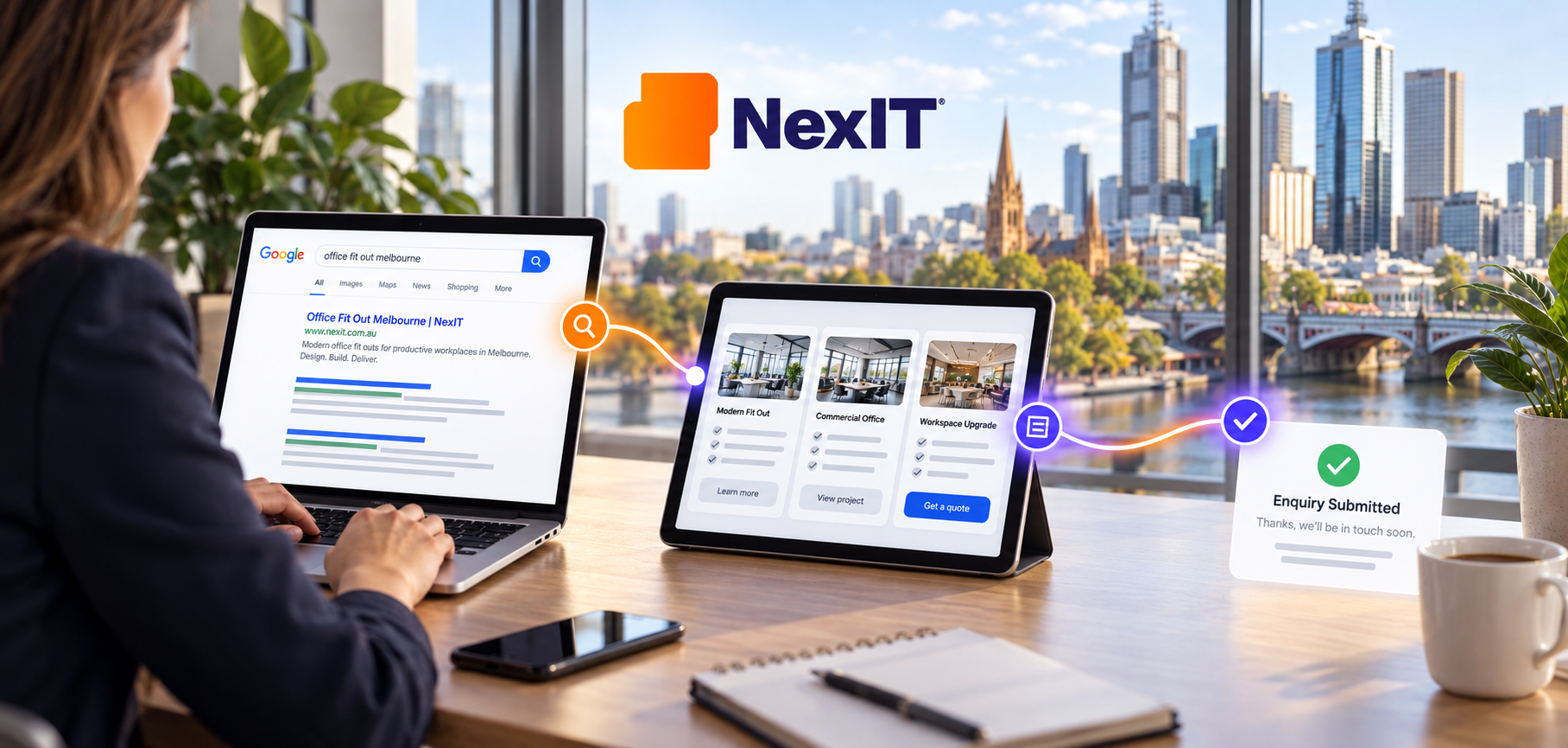

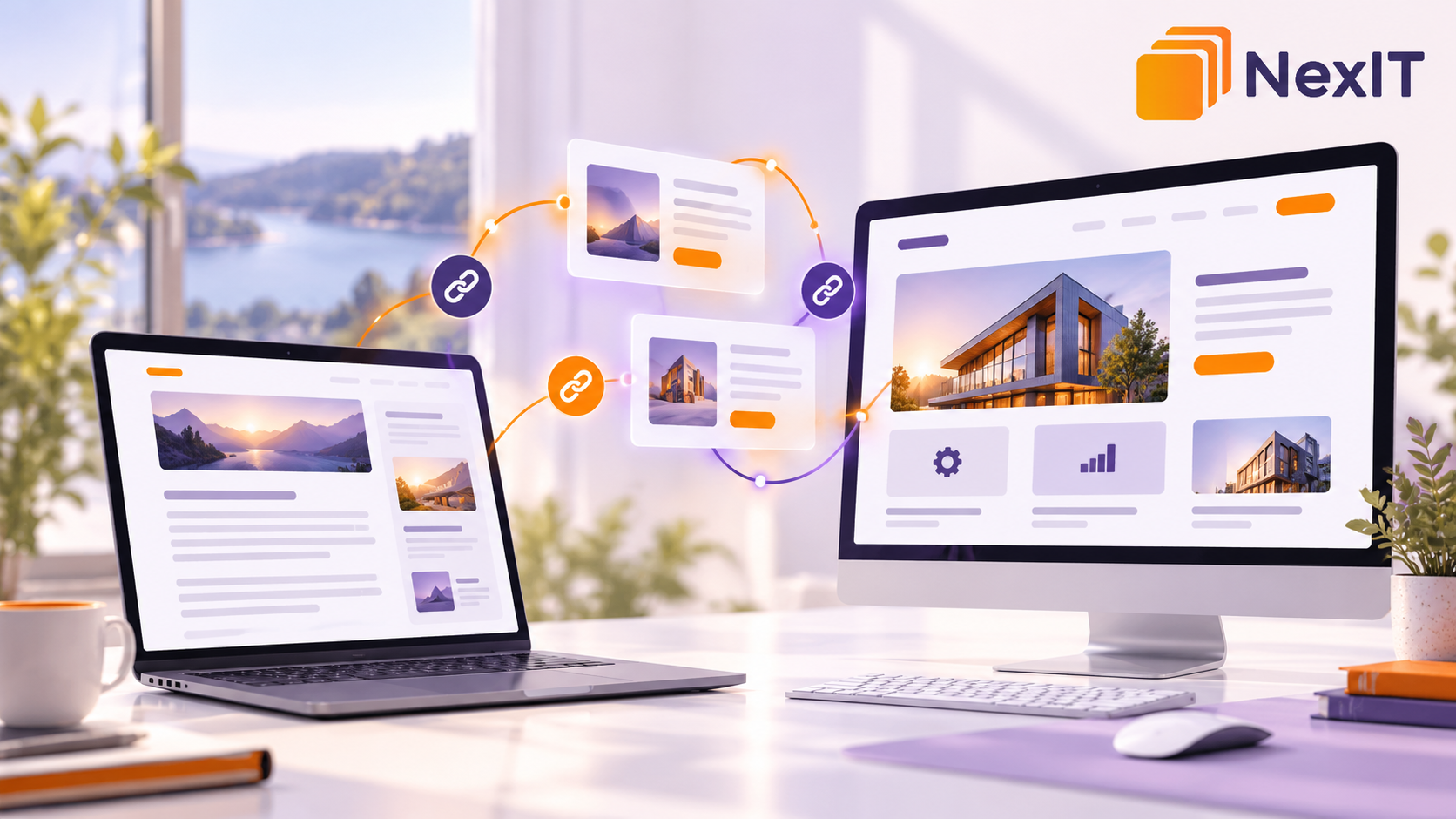
SEO services in Reservoir can help businesses connect useful blog content with the service pages customers need when they are ready to enquire.
A blog article might answer a customer’s question clearly, attract relevant visitors and explain a practical solution. However, if readers cannot find the related service, their journey may end when they finish the article.
Imagine a Reservoir business owner reading a guide about why their website receives traffic but few enquiries. The article explains unclear service descriptions, confusing navigation and difficult enquiry forms.
A relevant link to a website design service page gives that reader somewhere useful to go next.
Effective internal linking connects the information people are reading with the services that address their needs.
We Start With the Reader’s Next Question
Before adding links, consider why someone opened the article.
Are they researching a problem, comparing solutions or looking for professional help?
Their next question might be:
- Who can help me resolve this issue?
• What does the service include?
• Is this solution suitable for my business?
• What information should I provide when enquiring?
• Where can I learn more before making a decision?
For a Reservoir business, these questions can guide which service page belongs in the article.
Start with the reader’s needs and choose a destination that continues the discussion naturally.
What Are Internal Links?
Internal links connect one page of a website to another page on the same website.
For example, a blog about improving online enquiries might link to a website design page. A guide about organising customer information might link to a CRM development page.
These links help visitors move between related information.
Google explains that links help it discover pages and assess their relevance. Its guidance recommends connecting related website content through contextual internal links.
A useful internal link should make sense to a reader even without considering search engines.
Give Blog Articles and Service Pages Different Purposes
Blog articles and service pages support different stages of a customer’s decision.
A blog article explains a question, problem or process.
A service page explains the business’s offering, who it serves and how someone can enquire.
For example:
- Blog article: Why Does Your Website Receive Visits but Few Enquiries?
• Service page: Website Design Services.
• Enquiry option: Discuss Your Website Requirements.
The article helps the visitor understand the issue. The service page explains the available help.
Avoid turning every blog paragraph into a sales message. Answer the topic properly, then introduce relevant services where they support the reader’s next step.
Map Each Blog Topic to a Relevant Service
Create a simple content map before adding links.
Identify the article’s main subject, the reader’s likely need and the service that addresses it.
| Blog Topic | Reader’s Likely Need | Relevant Service Page |
| Why a business website is difficult to navigate | Improve website structure and usability | Website Design |
| How to organise customer enquiries | Manage leads and customer records | CRM Development |
| Why service pages receive little search traffic | Review search visibility and page content | SEO Services |
| How to reduce manual administrative tasks | Automate suitable business processes | Custom Software Development |
| Why customers abandon an online checkout | Improve the shopping experience | E-commerce Website Development |
These are planning examples. Link only to services the business actually provides and pages that accurately explain them.
If no suitable service page exists, assess whether one is needed before inserting a link to a loosely related destination.
Choose the Most Relevant Destination
A homepage may introduce the business, but it is not always the most useful destination for a reader exploring a specific problem.
An article about improving product checkout should usually point towards the relevant e-commerce service rather than making visitors search the entire website.
Before choosing a destination, ask:
- Does the page address the issue discussed?
• Does it explain the relevant service clearly?
• Does it suit the intended customer?
• Does it provide a useful next step?
• Is its information current?
A link should take visitors to the information its wording promises.
Place Links Where the Connection Is Clear
Links work best when the surrounding paragraph explains why the destination is relevant.
For example:
“If customers struggle to find your services or complete an enquiry, reviewing your website design can help identify where the journey becomes difficult.”
In this sentence, “website design” could link to the relevant service page.
Another example:
“When customer details are spread across spreadsheets and inboxes, custom CRM development may help create a more organised enquiry-management process.”
The link belongs beside the explanation that gives it meaning.
Avoid inserting an unrelated service link simply because the paragraph contains a convenient keyword.
Answer the Question Before Introducing the Service
Readers should receive useful information from the article itself.
Explain the issue, outline practical checks and describe relevant considerations before directing someone towards professional help.
For example, a blog about weak service-page content could first explain how to check:
- Whether the service is described clearly.
• Whether the intended customer is identified.
• Whether supporting evidence is available.
• Whether the enquiry process is easy to use.
A related SEO service link can then help readers who want support with that review.
Write Link Text That Explains the Destination
Anchor text is the visible wording someone clicks.
Useful examples include:
- Website design services.
• Custom CRM development.
• E-commerce website development.
• SEO website review.
Generic wording such as “click here” gives readers little information about the destination.
Google recommends descriptive, concise link text that relates to both the current content and the linked page. It also advises against forcing excessive keywords into links.
Choose wording that fits the sentence naturally and accurately describes the page.
Use Local References Where They Help
For businesses targeting Reservoir customers, local information can clarify genuine service coverage and customer needs.
An article might discuss how a local business presents its services, handles enquiries or explains delivery arrangements.
However, adding “Reservoir” to every internal link can make the content repetitive.
Use location wording when it provides useful context. Do not imply that the business has a Reservoir office unless that is accurate.
An article targeting Reservoir readers can still link to a broader service page if that page clearly explains the relevant offering and service area.
Avoid Sending Every Article to the Same Page
Different articles may support different services.
A website-navigation guide may relate to website design. A business-process article may relate to custom software. A search-visibility article may relate to SEO.
Sending all three articles to one general page can make their next steps less useful.
Review each article individually and identify the service that best matches its subject.
Several articles can link to the same service when they address different questions connected with that offering.
Connect Several Customer Questions to One Service
A website design page could be supported by articles about:
- Organising service information.
• Improving mobile navigation.
• Preparing content before a redesign.
• Making enquiry forms easier to complete.
• Choosing useful website images.
Each article should answer its own question.
The shared service link then helps readers understand where they can discuss the related work.
Improve the Service Page Before Sending More Visitors
Internal links are more useful when the destination provides a clear explanation.
Review the service page for:
- A straightforward description of the offering.
• The customers or businesses it suits.
• The problems it addresses.
• Important scope details and limitations.
• A clear explanation of the process.
• Relevant examples or evidence.
• A suitable enquiry option.
If the blog discusses checkout improvements but the service page only contains a general introduction, the connection may feel incomplete.
Improve that destination so it continues the reader’s journey.
Link From Service Pages to Useful Articles
Service pages can also help visitors find supporting guides.
Someone considering website development may want to understand how to prepare content or what information a project brief should contain.
A short supporting section could introduce:
- A guide to planning website service pages.
• An explanation of the redesign process.
• A checklist for preparing website content.
Choose articles that help visitors assess the service or prepare for an enquiry.
There is no need to link back to every article that mentions the service.
How Many Internal Links Should a Blog Include?
There is no fixed number suitable for every article.
A focused article may need one service link and a supporting guide. A broader article may reasonably link to several distinct resources.
Google states that there is no ideal universal link count for a page.
Assess each link by asking:
- Does it help the reader?
• Is the destination relevant?
• Does it add something different?
• Is the paragraph still easy to read?
Avoid repeating the same destination in every section without a useful reason.
Make Links Work Properly
A relevant link still needs to function correctly.
Check that:
- The destination loads successfully.
• The link points to the intended current page.
• Visitors can recognise and select it.
• It works on mobile.
• It does not lead through unnecessary redirects.
Google generally needs a standard HTML link with an href attribute to extract the destination reliably. A clickable element controlled only by a script may not provide the same crawlable connection.
Use the website editor’s normal link function and review the published result.
Update Older Blog Articles
Existing articles may contain useful opportunities to connect readers with current services.
Start with articles that:
- Receive relevant visitors.
• Answer questions related to an offering.
• Contain outdated service references.
• Link to removed pages.
• End without a useful next step.
Read the whole article before adding links.
Check that the advice remains accurate and that the proposed service still matches the discussion.
An older article may need revised wording as well as a new link.
Keep a Simple Internal-Linking Record
A basic spreadsheet can help organise the review.
Useful fields include:
- Blog title and URL.
• Main topic.
• Relevant service page.
• Proposed anchor text.
• Link placement.
• Review status.
• Date checked.
This makes it easier to identify articles that lack a useful destination and links that need updating after website changes.
The record should support editorial decisions rather than encourage links solely to meet a numerical target.
Make the Enquiry Option Match the Article
The final call to action should reflect what the reader has learned.
Suitable examples include:
- Discuss Your Website Structure.
• Request an SEO Website Review.
• Explore CRM Development.
• Plan Your E-commerce Website.
The linked page or form should match that action.
If visitors are asked to discuss website structure, they should arrive at a page where the service and enquiry process are clear.
Ask for enough information to respond usefully, while keeping the form straightforward.
Check the Reading Experience on Mobile
Review the article and its linked pages on a phone.
Can visitors identify links easily? Are links spaced comfortably? Does the service page load correctly? Can someone complete the enquiry form?
Avoid relying on colour alone to distinguish links. Clear styling, such as underlining, can make them easier to recognise.
Check that sticky banners or other page elements do not obstruct the next step.
Measure Whether Readers Continue to Relevant Pages
After updating internal links, review search performance and visitor behaviour.
Useful measures include:
- Relevant blog impressions and clicks.
• Visits to linked service pages.
• Blog-to-service link clicks, where tracking is configured.
• Enquiry submissions.
• Enquiry quality and relevance.
Confirm what your analytics setup records. Internal link clicks may require a specific tracking configuration.
Compare suitable periods and consider other changes, including new content, campaigns and seasonality.
Internal links support navigation and page discovery, but they do not guarantee rankings or enquiries.
Ready to Connect Your Blog Content With Your Services?
Start with articles that answer questions closely related to your main offerings.
Choose relevant destinations, place links beside useful explanations and make sure service pages deliver the information readers expect.
For businesses considering SEO services in Reservoir, this creates a clearer connection between educational content and the services customers may need.
NexIT Solutions can help review blog content, service-page structure and enquiry pathways around those customer questions.
Book a Website Consultation →
Discuss your existing articles, relevant services and the next steps visitors need when exploring your website.