
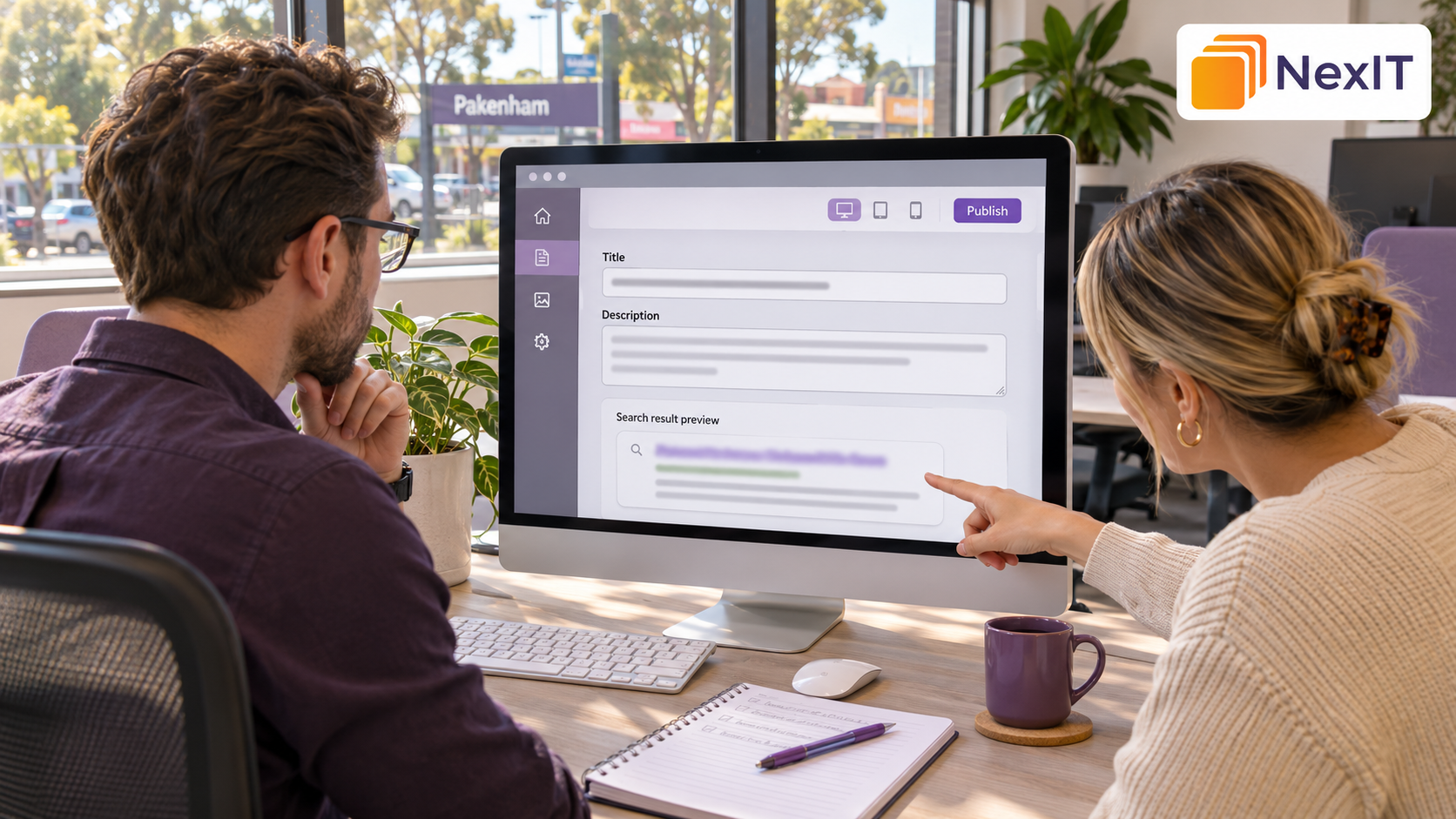
SEO services in Pakenham can help local businesses write title tags and meta descriptions that tell customers what each service page offers. A clear title identifies the service and, where relevant, the location. The description adds useful detail, such as the types of jobs you handle or what customers can request.
If you’re reviewing your website with NexIT Solutions, start with the pages that generate enquiries. For each page, identify the main service, the customers it serves and what they can do after visiting. That gives you a practical starting point for writing both fields.
Why Should You Review Title Tags and Meta Descriptions on Service Pages?
Your title tag is one source Google uses to create the clickable title in search results. The meta description is a short summary you provide for the page. Google primarily generates the description shown in search results from page content, but it may use your meta description when it better describes the page. developers.google.com
For a Pakenham business with several services, the title and description give customers a way to distinguish one page from another before they click. A page for roof leak repairs should tell customers something different from a page for roof replacement.
A Detailed Review Can Help You
- Identify service pages with missing, vague or repeated titles.
- Clarify which service and location each page covers.
- Write descriptions that reflect the information customers will find.
- Distinguish related services that meet different customer needs.
- Check whether templates or SEO settings are adding unwanted text.
- Record changes and review search performance over time.
1. What Is the Main Purpose of the Service Page?
Read the page before writing its title or description. Identify the job a customer can enquire about and the information they need before contacting the business.
For example, a general plumbing page might cover several services. A blocked drain page has a narrower purpose and can name the problems it covers, such as blocked sinks, toilets or outdoor drains, if those services appear on the page.
Information to Record First
- The exact page URL.
- The main service and intended customer.
- The location or service area the page covers.
- The specific jobs described on the page.
- One useful detail that distinguishes the service.
- The next step available to the visitor.
2. Which Search Phrase Best Matches the Service?
Choose a phrase that describes the job in language customers use. If you have Google Search Console data, review the queries associated with the specific URL for clues about how people describe the service.
A customer looking for help with a blocked drain may search for “blocked drain plumber Pakenham”. A natural page title can express the same idea as “Blocked Drain Plumber in Pakenham”.
Search Phrase Details to Review
- The main service customers are looking for.
- Common words customers use to describe the problem.
- Whether the search has a local focus.
- Whether the page serves residential or commercial customers.
- Whether another page already covers the same service and location.
3. How Can You Write a Clear Title Tag?
Put the main service near the beginning so customers can recognise it quickly. Add Pakenham when it accurately describes the page’s service area, then include the business name if it fits naturally.
Google recommends descriptive, concise titles that are distinct for each page. Search results can shorten title links to fit the device, so place the most useful information early. developers.google.com
Title Tag Checks to Complete
- Name the main service in plain language.
- Include the location when it is relevant to the page.
- Use the business name where it adds recognition.
- Remove repeated keywords and unnecessary modifiers.
- Check that the title differs from those of related service pages.
Suggested title: Blocked Drain Plumber in Pakenham | Example Plumbing
4. How Can You Write a Useful Meta Description?
Summarise what the customer can find or do on the page. Use the description to add information beyond the title, such as the jobs covered, the type of property served or the way customers can enquire.
Google recommends using a distinct, relevant description for each important page. developers.google.com
Details to Include Where Relevant
- The service and location.
- A specific problem the business helps with.
- The work covered or type of property served.
- A next step the page actually offers.
- Any service claim that the business can verify.
Suggested description: Need a blocked drain plumber in Pakenham? Get help with blocked sinks, toilets and outdoor drains. Contact Example Plumbing to discuss the job.
5. Where Should You Include Pakenham?
Use Pakenham in the title when the page is specifically about serving customers in that area. You can also mention it in the description if it reads naturally and helps someone recognise that the service is available locally.
Review the page content at the same time. If the metadata promises a local service, the page should explain where the business works and how a Pakenham customer can enquire.
Location Details to Check
- The business serves the area named in the title.
- The page explains the service available to local customers.
- The description accurately reflects the service area.
- Any mention of an office or physical location is accurate.
6. Do Related Service Pages Have Distinct Titles and Descriptions
List related pages side by side. If two titles say “Plumbing Services in Pakenham”, check whether one page actually covers blocked drains and the other covers hot water repairs. Give each page a title and description that reflects its own purpose.
Pages Worth Comparing
- A general service page and a specialist service page.
- Repair, installation and maintenance pages.
- Residential and commercial service pages.
- Location pages for the same service.
- A service page and a blog post about the same problem.
If two pages serve essentially the same purpose, review whether customers need both pages before spending time rewriting their metadata.
7. Do the Title Tag, Page Heading and Content Agree?
Compare the title tag with the visible H1 and opening paragraphs. The wording can differ, but all three should describe the same service. For instance, a title about blocked drain repairs should lead to a page that explains blocked drain repairs near the top.
Google can use the visible page title, headings and other sources when generating its clickable title link. Reviewing those elements together can help you spot why the title shown in search differs from the one you entered. developers.google.com
Page Content Checks to Complete
- The H1 identifies the main service.
- The introduction explains the service and its availability.
- The page supports the claims in the meta description.
- Customers can find the enquiry option mentioned in the description.
- The page title and headings use current service information.
8. Is the Most Useful Information Near the Beginning?
Read the title and description as though only the first part will be visible. The customer should be able to identify the service early, with the location and distinguishing details close behind.
Google can shorten title links and snippets to fit the available space. Use an SEO preview to catch clutter and awkward phrasing, and expect the displayed text to vary with the device or search query. developers.google.com
Preview Details to Check
- The service name appears early in the title.
- The location is easy to spot where it matters.
- The first sentence of the description gives useful information.
- The brand name appears once.
- Removing the last few words would leave the main offer clear.
9. Have You Saved the Metadata on the Correct Page?
Open the service page in your website editor and check its SEO fields. Enter the title and meta description, save the page and confirm that the live URL outputs the intended values.
On a WordPress site, the post title and the SEO title may be separate fields. A sitewide template can also append the business name automatically, so check whether you need to enter it manually.
Publishing Checks to Complete
- Confirm you are editing the correct service page.
- Check the page-specific SEO title and meta description fields.
- Review any automatic site name or separator.
- Save and open the live page.
- Verify the <title> and meta description in the page source or a page inspection tool.
10. What Should You Check if Google Displays Different Text?
Search for the page using the query you are reviewing and record what Google displays. Compare the result with the current title, H1 and visible copy. Google generates title links automatically and may select a snippet that better matches a particular query. developers.google.com
Before Making Another Change
- Check that the intended title and description appear on the live page.
- Look for outdated or conflicting wording in the H1 and prominent text.
- Check whether the result varies for different searches.
- Review whether Google has recrawled the page since the update.
- Change wording where you find a clear accuracy or relevance issue.
11. How Should You Monitor the Page After the Update?
Record when you changed the metadata and which page you updated. In Google Search Console, filter the Performance report by page and review the queries, impressions, clicks and click-through rate over comparable periods.
Read click-through rate alongside the queries and average position. If the page starts appearing for different searches or in a different position, the change in clicks may reflect those shifts as well as the wording.
What to Include in Your Follow-Up Record
- Page URL and date updated.
- Previous and revised title tags.
- Previous and revised meta descriptions.
- Main queries being monitored.
- Impressions, clicks, click-through rate and average position.
- Other changes to the page during the same period.
A Practical Title Tag and Meta Description Review Table
| Review item | What to check |
| Page purpose | The page covers a clear service and customer need |
| Focus keyphrase | The wording reflects the service customers are looking for |
| Title tag | The service and relevant location are easy to identify |
| Meta description | The summary adds specific, accurate service details |
| Local relevance | Pakenham is mentioned where the business serves the area |
| Page heading | The H1 and page content support the same offer |
| Duplicate wording | Related service pages have distinct metadata |
| Live page settings | The intended title and description appear in the page source |
| Follow-up | The update date and page performance are recorded |
Hypothetical Example: Updating a Pakenham Air Conditioning Service Page
A business has a dedicated page for air conditioning repairs in Pakenham. The page explains which systems it repairs and has a form for requesting a service call, but the title and description could apply to almost any page on the site.
Before the Review
- Title tag — Home Services | Example Heating & Cooling
- Meta description — We provide quality services for your home. Contact our friendly team today.
After the Review
- Title tag — Air Conditioning Repairs in Pakenham | Example Heating & Cooling
- Meta description — Need air conditioning repairs in Pakenham? We diagnose faults in split and ducted systems. Contact Example Heating & Cooling to request a service call.
The revised title identifies the repair service and its location. The description names the systems covered and gives customers a next step they can take on the page.
Common Mistakes to Avoid
Repeating the Same Keyword in Several Forms
Use one natural service phrase. Make room for a location or other detail that helps the reader choose the page.
Copying the Same Description Across Every Service Page
Summarise the jobs, customers or equipment covered by each individual page.
Adding Service Claims the Page Cannot Support
Check claims such as same-day availability, free quotes and emergency callouts against what the business currently offers.
Changing the Metadata Before Checking the Live Page
Verify what the page outputs and whether Google has seen the latest version before rewriting it again.
A Practical Checklist Before Updating Your Website
- Open the exact service page you plan to update.
- Confirm the main service, location and customer need.
- Write a concise title with the service near the beginning.
- Write a distinct description with a specific detail and a relevant next step.
- Compare both fields with the H1 and page content.
- Verify the live metadata after saving.
- Record the update date for your Search Console review.
Discuss Your SEO Requirements With NexIT Solutions
If your Pakenham service pages use similar titles or generic descriptions, share the URLs with NexIT Solutions. Include the services you want to prioritise, the areas you serve and what you want visitors to do after reaching each page. That information can guide a review of the metadata alongside the page content.
Book a Website Consultation →
Visit NexIT Solutions to discuss title tags, meta descriptions and local SEO for your service pages.