
Most people use “website” and “web app” as if they mean the same thing. Developers don’t, and the difference matters when you’re planning a project and asking for quotes.
Get it wrong and you can end up paying for a complex system when a good website would do, or building a simple website that can’t do what your business actually needs.
Here’s a clear explanation, with real examples, so you can decide with confidence.
The short answer
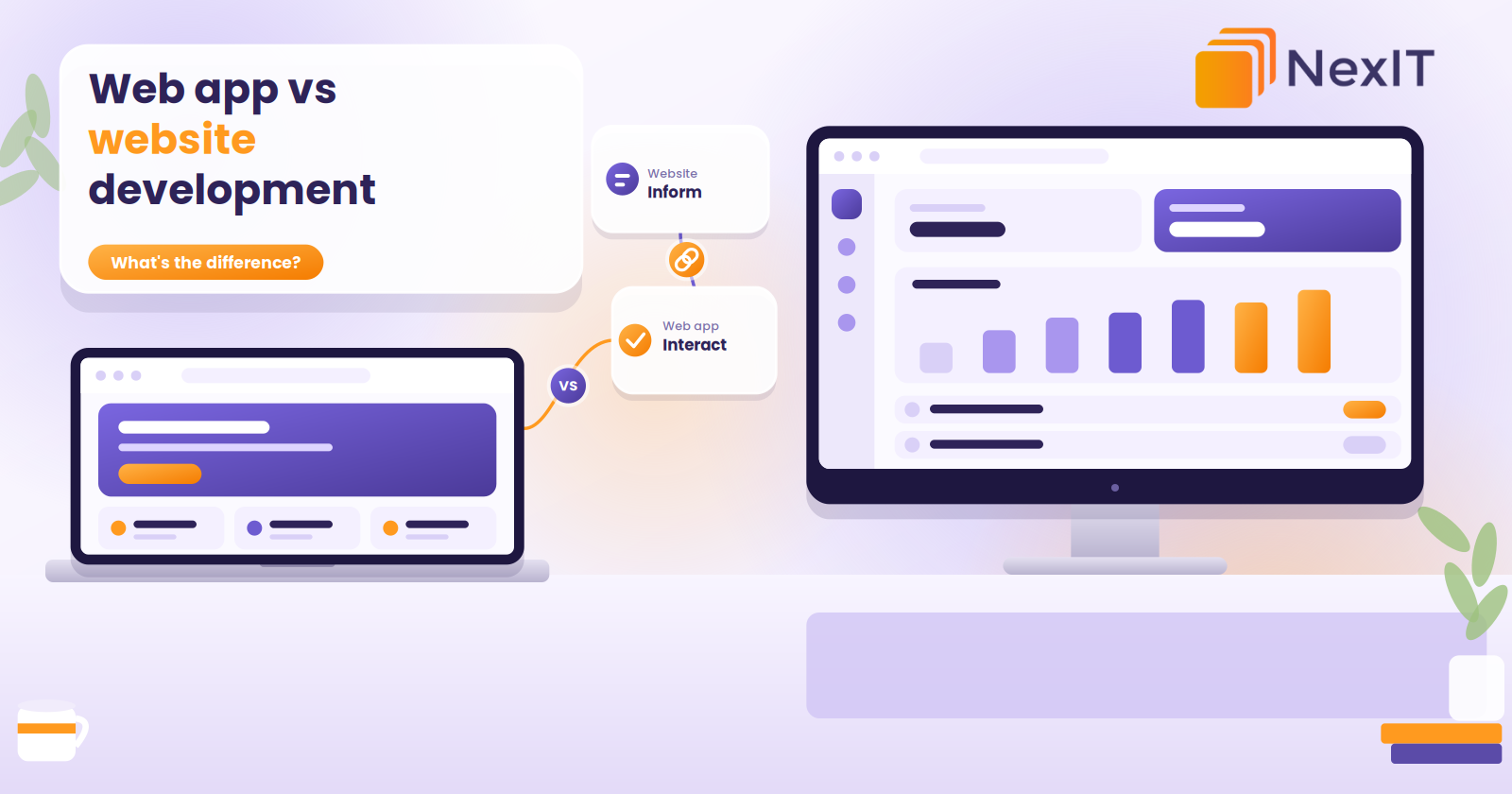
A website mainly shows information. A web app lets people do things.
A website helps people find you, understand what you offer and get in touch. A web app helps people complete tasks, such as logging in, booking, submitting data, tracking orders or managing their account.
Both run in a browser, and both are built with similar basic technologies. The difference is purpose, complexity and how much work happens behind the scenes.
What is a website?
A website is a set of connected pages that present information. Visitors mostly read, browse, watch or fill out a contact form.
Typical examples include:
- A business website with services, about and contact pages
- A blog or news site
- A portfolio or showcase site
- A landing page for a campaign
- A simple online store with a product catalogue and checkout
Websites are built to be found, understood and trusted. That’s why good website design in Melbourne focuses on clear messaging, speed, mobile layout, search visibility and calls to action.
Most websites are built on a content management system like WordPress, so your team can edit pages without a developer.
What is a web app?
A web app is software that runs in a browser. Users don’t just view it. They interact with it, and the app responds with personalised, changing information.
Typical examples include:
- A customer portal where clients log in to view orders, invoices or documents
- A booking and scheduling system with calendars, reminders and payments
- A quoting tool that calculates prices from user input
- A project or task management system
- A staff dashboard showing live jobs, stock or reports
- An online document editor or spreadsheet tool
Web apps rely on a back end with a database, user accounts, permissions and business logic. That’s what makes them more powerful and also more complex to build.
Side by side: the key differences
Purpose. A website informs and promotes. A web app performs tasks and processes data.
Interaction. A website is mostly one-way: you read, and maybe send an enquiry. A web app is two-way: you enter information, and it responds.
User accounts. Most websites don’t need logins. Most web apps do, with different access levels for different users.
Data. A website mainly displays content that changes occasionally. A web app stores, updates and processes user data constantly.
Complexity. Websites are usually simpler to plan and build. Web apps involve system design, databases, security and extensive testing.
Cost. Websites generally cost less. Web apps cost more because of the extra planning, development and testing. Your quote will depend on features, users and integrations.
Timeline. A website can often launch in weeks. A web app typically takes months, depending on scope.
Maintenance. Websites need regular updates and security care. Web apps need ongoing development, monitoring and support as users and requirements change.
SEO. Websites are built to rank in search results. The pages inside a web app are usually behind a login, so Google can’t see them, and the app itself isn’t a marketing tool.
Security. Both need protection, but web apps handle more sensitive data, so security requirements are higher.
The grey area in the middle
The line isn’t always sharp, and some projects sit between the two.
Online stores. A shop with products, a cart and checkout is generally treated as a website, even though it has some app-like features. A store with complex pricing rules, custom ordering or supplier integrations moves closer to a web app.
Booking on a website. A simple booking plugin on a business site is still a website. A full booking system with staff calendars, payments, reminders and reporting is a web app.
Membership sites. A WordPress site with member-only content is a website with login features. A platform with dashboards, workflows and tracking is a web app.
Progressive web apps (PWAs). These are web apps that behave like mobile apps, with home-screen icons and some offline use, without needing the app stores.
A helpful rule: the more your project depends on user actions, saved data and business logic, the closer it is to a web app.
Can you have both?
Yes, and many businesses do.
A common setup is a public website for marketing and a web app behind a login for customers or staff. The website builds trust and brings people in. The app handles ordering, bookings, accounts and day-to-day work.
When both are designed together, they feel like one business: the same branding, the same tone and a smooth path from “found you on Google” to “logged in and using it.” This is where coordinated website development in Melbourne and application development pay off.
Talk to NexIT for More Information
New Enquiries: 1300 899 259 | Support Team: [email protected]
REQUEST A FREE CONSULTATION
Which one does your business need?
Answer these questions honestly:
- Is the goal to inform and generate enquiries, or to let people complete tasks?
- Do users need to log in?
- Will users enter, save or manage their own data?
- Does it need to connect with systems like accounting, CRM or inventory?
- Do you need workflows, approvals or automated calculations?
- Do you want to be found on Google?
If you answered yes mostly to the first and last questions, you need a website. If you answered yes to questions two to five, you likely need a web app, probably alongside a website.
Melbourne examples
- Trades and field services: a website for local search visibility, plus a web app for job tracking, quoting and invoicing.
- Wholesalers and suppliers: a website that presents the range, plus a customer ordering portal with account pricing.
- Allied health and professional services: a website to attract new clients, plus an online booking and client portal.
- Property and strata: a website to promote services, plus tenant and owner portals for requests and documents.
- Logistics and manufacturing: a company website, plus internal dashboards for stock, orders and deliveries.
Notice that in almost every case the website and the app do different jobs, and both matter.
Common mistakes to avoid
Building a web app when a website would do. If your goal is to share information and capture enquiries, a well-built website is faster and cheaper.
Building a website when you need a web app. If staff or customers need accounts, workflows or live data, a brochure site can’t cope, and forcing it with plugins often ends badly.
Skipping planning. Both projects work better when goals, users and features are defined first.
Forgetting SEO. The public side of any project, including your marketing pages, still needs to be built for search.
Ignoring support. Both need updates, backups and security care after launch.
Trying to do everything at once. For web apps especially, launching a focused first version is often wiser than building every feature upfront.
How to choose the right partner
Look for a team that:
- Asks about your goals and users before quoting
- Can show experience with both websites and web applications
- Explains the trade-offs in plain language
- Is honest if a simpler solution would work
- Clarifies ownership of the code, design and data
- Offers ongoing support after launch
A good provider will tell you if you don’t need the bigger build.
Talk to NexIT Solutions
What is the main difference between a website and a web app?
A website mainly presents information, such as your services, contact details or blog posts. A web app lets users perform tasks, such as logging in, booking, ordering or managing data. Web apps are more interactive, more complex and usually require user accounts and a database.
Is a web app more expensive than a website?
Generally, yes. Web apps involve more planning, development, testing and security work, so they usually cost more and take longer. The exact cost depends on features, user roles and integrations. A simple website is usually the faster, cheaper way to start online.
Is an online store a website or a web app?
Most online stores are treated as websites, since they mainly present products and process orders through standard tools. Stores with custom pricing, complex workflows or deep system integrations behave more like web apps.
Do I need a web app or a mobile app?
A web app runs in a browser on any device, with no download needed. A mobile app is installed from the App Store or Google Play and can use device features like push notifications and the camera. Many businesses start with a web app, then add a mobile app if customers need one.
Can a website be turned into a web app later?
Yes. Many businesses start with a website, then add logins, portals or booking systems as they grow. It’s easier if the original site is built on a solid foundation and with future features in mind.
Not sure which is right for your business?
The best choice depends on what your website needs to do for you, and a short conversation usually makes it clear. NexIT Solutions helps Melbourne businesses plan, design and build websites on WordPress, custom platforms and everything in between, and we’ll tell you honestly which one fits.
📞 Call NexIT Solutions today: 1300 899 259